
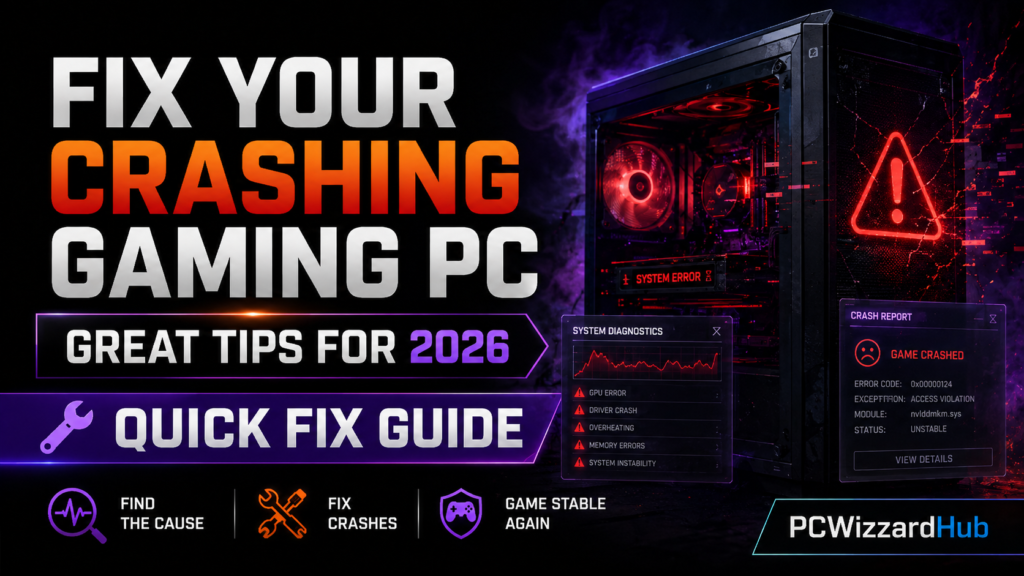
Nothing’s more frustrating than your gaming PC crashing mid-match — especially after spending good money on hardware. If you’re running into blue screens, freezing, or sudden reboots, don’t panic.
Here are the 7 most common reasons gaming PCs crash — and how to fix your crashing gaming PC once and for all.
1. ❌ Faulty or Inadequate Power Supply
Symptoms:
Sudden shutdowns, especially during gaming or GPU load.
Fix:
Check your PSU wattage and certification. For Ryzen 5 + RX 6600/7600, a reliable 550W–650W 80+ Bronze or Gold PSU is recommended.
🔗 See our top-rated budget PSUs for gaming PCs
2. 💾 Bad RAM or Incorrect XMP Profile
Symptoms:
BSODs, freezes, failed boots.
Fix:
Run MemTest86 to check for bad RAM. Make sure your DDR5 RAM is running at stable speeds (XMP/EXPO). Try reseating the sticks.
3. 🌡️ Overheating CPU or GPU
Symptoms:
PC shuts off or restarts under load.
Fix:
Check temps using HWMonitor. Clean dust, reapply thermal paste, and improve airflow. Undervolt the GPU if needed.
4. 🧩 Incompatible or Outdated Drivers
Symptoms:
Random crashes after updates or new hardware.
Fix:
Use DDU (Display Driver Uninstaller) to clean old GPU drivers. Always use official AMD/Nvidia/Intel drivers.
5. ⚡ Faulty Power Cable or Loose Connectors
Symptoms:
Intermittent power loss, no boot.
Fix:
Check all PSU cables, motherboard power, and GPU connectors. Replace damaged or low-quality cables.
6. 🐞 Software Conflicts or Malware
Symptoms:
Random crashes outside of games, strange behavior.
Fix:
Run a full antivirus scan. Uninstall third-party system tools or overclocking apps. Do a clean Windows reinstall if necessary.
7. 🧱 Failing Storage Drive (SSD/HDD)
Symptoms:
Crashes during loading, slow boot times, freezing.
Fix:
Use CrystalDiskInfo or Windows SMART tools to check drive health. Replace failing drives with a fast NVMe SSD — our
🔗 Best Gaming PC Build Under $1000 (AMD Focused) includes a current NVMe pick if you need a specific recommendation.
🛠️ Quick Troubleshooting Checklist
- Reseat RAM and GPU
- Check CPU & GPU temperatures
- Reinstall drivers with DDU
- Test PSU voltages or swap for a known-good unit
- Run disk and memory health tools
❓ FAQ
My PC only crashes in one specific game — is it still hardware?
Not necessarily. A single-game crash often points to that game’s settings, a corrupted install, or a driver issue specific to that engine — try verifying game files and updating drivers before assuming it’s hardware.
Should I run all these checks, or just the one that matches my symptoms?
Start with the fix matching your specific symptom. If that doesn’t resolve it, work through the checklist in order — power and heat issues are the most common root causes, so they’re worth ruling out first even if the symptoms seem driver-related.
Is it ever just “time for a new PC”?
Rarely, for a crash issue specifically. Most crashing is traceable to one faulty or misconfigured component rather than the whole system aging out — worth working through this list before assuming a full rebuild is needed.
🧠 Final Thoughts
Crashes don’t always mean a dead part — often it’s a power, driver, or cooling issue. By checking the key areas above, you can quickly narrow down the cause and get back to gaming. For more hardware help and reliable part picks, browse our guides and build recommendations.
Need an upgrade path? Check out: