
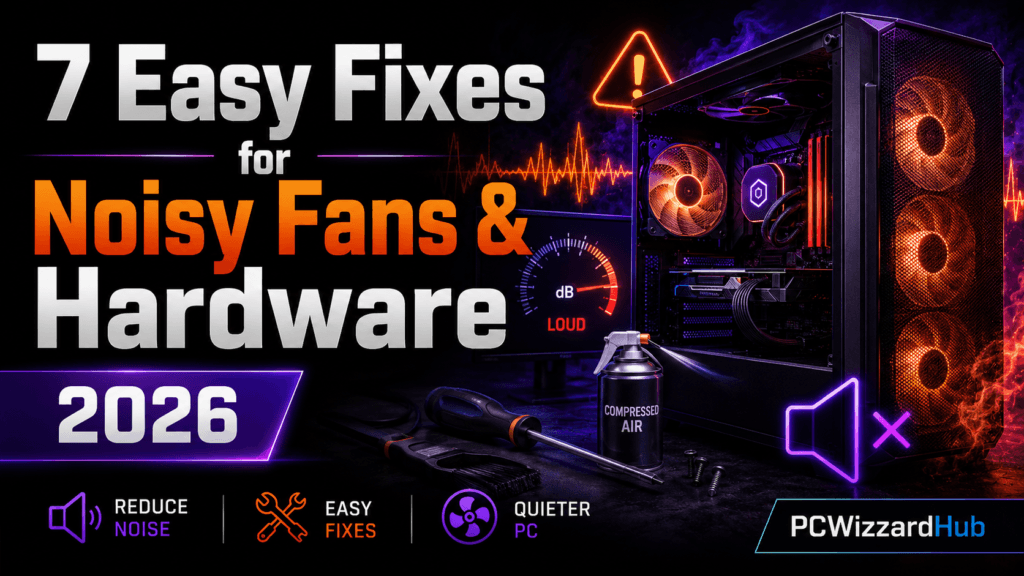
A loud PC can ruin your focus, interrupt your gaming sessions, or even signal underlying issues with your hardware. But don’t worry — most of the time, it’s something simple.
In this guide, we’ll show you 7 effective ways to silence that roaring rig and restore peace to your setup in 2026.
🔊 1. Identify Where the Noise Is Coming From
Before you can fix the noise, you need to find its source:
- Is it the CPU fan, case fan, GPU, or power supply?
- Listen carefully or use tools like HWMonitor to see which part is running hot (and loud).
🧹 2. Clean Out the Dust
Dust buildup forces fans to spin faster, creating more noise.
- Use compressed air to blow out CPU fans, case fans, GPU heatsinks, and PSU vents.
- Remove filters and wash if reusable.
📌 Need help? Check out our PC Cleaning Guide
👉 Get a PC Cleaning Kit on Amazon
🌬️ 3. Replace Stock Fans with Quieter Models
Cheap or old fans often get loud over time. Upgrade to:
- Low-RPM fans (like Arctic F12, Noctua NF-P12)
- PWM fans that auto-adjust speeds
👉 Check Quiet PC Fans on Amazon
🛋️ 4. Reduce Vibration & Rattling
Some noise isn’t from the fans, but from the case itself.
- Tighten loose screws and case panels
- Use rubber fan mounts or vibration-dampening pads under HDDs
👉 See Anti-Vibration Pads on Amazon
💨 5. Adjust Fan Curve in BIOS or Software
Most motherboards let you control fan speeds:
- Enter BIOS and find “Q-Fan” or “Fan Control”
- Set a custom curve (low RPM at idle, ramp up only when hot)
- Or use software like MSI Afterburner or ASUS FanXpert
🔇 6. Understand (or Replace) Coil Whine
Coil whine = high-pitched buzzing from GPU or PSU coils
- Annoying, but not harmful
- Happens more under high FPS or load
- Some parts are quieter than others — replacing may be the only fix
🔥 7. Upgrade to a Quieter CPU Cooler
Stock coolers are loud, especially under load. Consider upgrading to:
- Arctic Freezer 34 eSports
- be quiet! Pure Rock 2
- Noctua NH-U12S
👉 Browse Quiet CPU Coolers on Amazon
❓ FAQ
Is a loud PC always a sign of a problem?
Not necessarily — heavy loads like gaming or rendering naturally spin fans faster. It’s worth investigating if the noise is new, sudden, or happening at idle when it wasn’t before.
Will a quieter fan hurt my cooling performance?
Not if you pick a comparable airflow/static-pressure rating. Most “quiet” fans from reputable brands (Noctua, Arctic, be quiet!) match or beat stock fan performance while running noticeably quieter.
What’s the cheapest fix on this list?
Cleaning out dust (#2) and adjusting your fan curve (#5) are both free or near-free, and together resolve the majority of noise complaints that aren’t caused by a failing component.
🧠 Final Thoughts
PC noise isn’t just annoying — it can be a sign of dust, aging fans, or poor airflow. With a few upgrades and regular cleaning, you can run a silent, powerful system that won’t make your ears bleed.
Want even more performance and stability? Check out our 10 Tweaks to Instantly Boost Your Gaming FPS next!
Disclaimer: This article contains affiliate links. As an Amazon Associate, we earn from qualifying purchases at no extra cost to you.
⚠️ Fixes Needed on the Live Post (Not Just Content)
- Fix the dangling bullet: in section 7, there’s a stray empty “-” list item sitting between “Noctua NH-U12S” and the Amazon link — looks like a leftover from editing. Removed above.
- Year mismatch: “restore peace to your setup in 2025” corrected to 2026 to match the title.
- Bonus find on a linked page: the “Boost Gaming FPS” post this article links to has its own unlinked phantom-link phrase — “our full Performance Optimization Series” reads like a link but isn’t one. Not this article’s problem to fix, but worth putting on the list.