
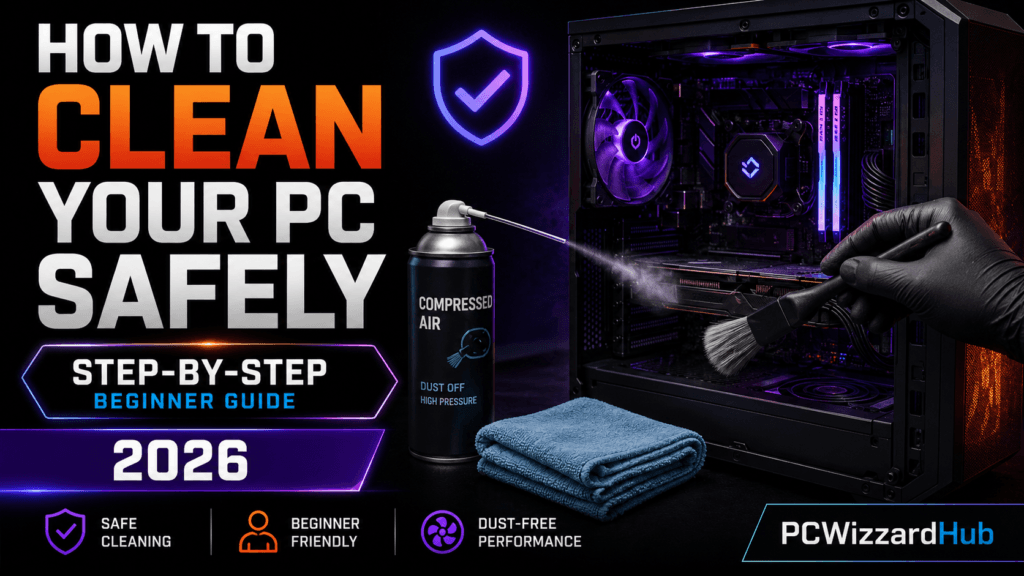
If your PC is running hot, noisy, or slower than usual, it might just need a good cleaning. In this beginner-friendly guide, we’ll walk you through exactly how to clean your PC safely and effectively — inside and out.
🧹 Why Cleaning Your PC Matters
- Dust buildup = higher temps and louder fans
- Overheating can reduce performance and shorten hardware lifespan
- Keeping it clean improves airflow, cooling, and overall system health
✅ What You’ll Need
- Compressed air canister
- Soft microfiber cloth
- Isopropyl alcohol (90%+ preferred)
- Small soft-bristle brush (like a makeup brush)
- Optional: anti-static wrist strap, thermal paste
Affiliate Tip: Want the right tools?
👉 Check Falcon Compressed Gas Duster (3-Pack) on Amazon
📆 How Often Should You Clean Your PC?
- Every 3–6 months: Light cleaning
- Every 6–12 months: Deep cleaning (disassemble fans, check thermal paste, etc.)
- More frequently if you have pets or live in a dusty area
🚧 Step-by-Step: How to Clean Your PC
1. Shut Down & Unplug Everything
- Turn off your PC completely
- Unplug from wall power and peripherals
- Let it cool for at least 10 minutes
2. Open the Case
- Remove side panel (usually with thumb screws)
- Place PC on a clean, static-free surface
3. Blow Out Dust
- Use compressed air in short bursts (hold upright)
Focus on:
- Fans (CPU, case, PSU)
- GPU heatsinks
- RAM and motherboard
Tip: Hold fans still while blowing air to avoid damage.
4. Wipe Surfaces
- Use a microfiber cloth to gently wipe dust from surfaces
- A soft brush helps dislodge stubborn dust
5. Clean Fans & Filters
- Remove intake/exhaust filters (if any), rinse and dry
- Use compressed air on fan blades; wipe with alcohol if sticky
6. Optional: Reapply Thermal Paste
- If your CPU temps are unusually high, it might be time to clean off and reapply thermal paste
See our Thermal Paste Guide for detailed steps.
🚀 Pro Tips for Keeping It Clean
- Keep your PC elevated from the floor
- Clean nearby surfaces (desks, carpets, etc.) regularly
- Use positive air pressure setup (more intake fans than exhaust)
📄 Final Thoughts
Cleaning your PC doesn’t require a tech degree — just a little time and the right tools. Regular maintenance keeps your system running cool, quiet, and fast.
Check out our 10 Tweaks to Instantly Boost Your Gaming FPS for more ways to improve performance!
Disclaimer: This post may contain affiliate links. As an Amazon Associate, we earn from qualifying purchases at no extra cost to you.
⚠️