
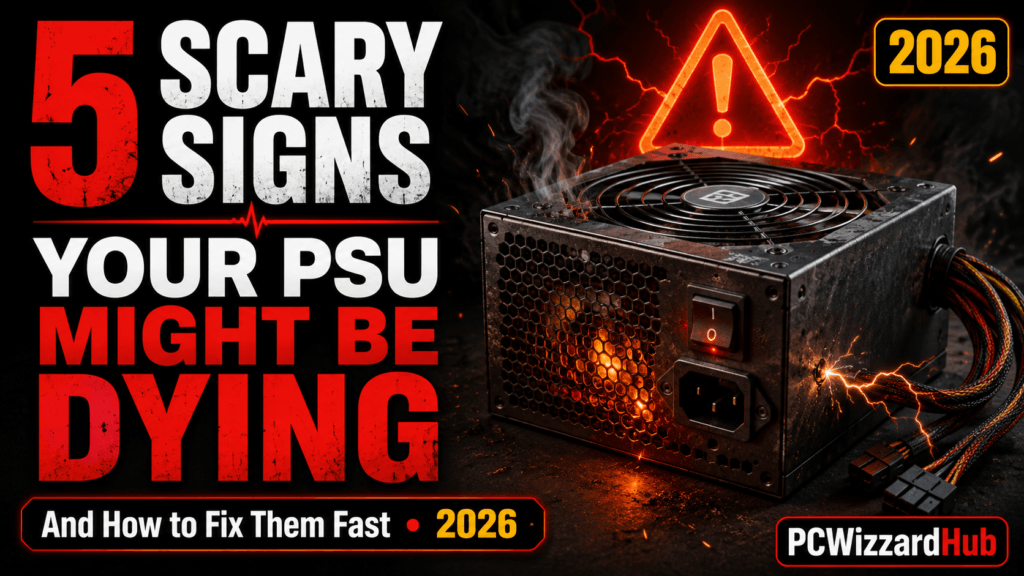
A failing power supply unit (PSU) is one of the most frustrating PC issues. It can cause random restarts, system instability, or complete failure to power on. The worst part? It often hides in plain sight.
Here are five telltale signs your PSU might be on its last legs — what causes each one, and what to actually do about it.
⚡ 1. Random Reboots or Shut Downs
If your PC randomly turns off or restarts without warning, a dying PSU could be the culprit. This often happens under load (gaming, rendering, etc.) when the power supply can’t keep up with demand — especially if it’s aging or was undersized for your build to begin with.
Fix:
Swap in a known working PSU or use a PSU tester to rule it in or out before replacing anything else.
👉 Get a Power Supply Tester on Amazon
📢 2. Strange Noises (Buzzing or Clicking)
Unusual noises coming from your PSU could mean coil whine or failing internal components — capacitors and fan bearings are common culprits as PSUs age.
Fix:
If under warranty, RMA the unit. Otherwise, consider replacing it to avoid damage to other components — a failing PSU can take your motherboard or GPU down with it.
🔥 3. Burning Smell or Visible Smoke
If your PSU smells like burning plastic or emits smoke — shut it off immediately. This is a major fire hazard.
Fix:
Unplug everything and replace the PSU right away. Don’t attempt to keep using it, even briefly — this is the one sign on this list that means stop, not diagnose further.
👉 See 500W PSU Options on Amazon
📊 4. Inconsistent Voltages or Boot Errors
A PSU that’s failing may output fluctuating voltages, causing boot errors, freezes, or crashing under load.
Fix:
Use HWMonitor or your BIOS’s hardware monitor to check voltages. Look for values too far off the 12V, 5V, or 3.3V rails — anything more than about 5% off nominal is worth taking seriously.
🔍 5. Nothing Happens When You Press Power
If your PC does absolutely nothing when you press the power button (no fans, lights, or beeps), your PSU might be dead.
Fix:
Test with another PSU or a power supply tester before replacing — a dead PSU is one of the more straightforward failures to confirm, since a working replacement will immediately bring the system back to life if that’s genuinely the cause.
🔌 If You Need a Replacement
For most mid-range gaming builds, an 80+ Gold-rated 650W unit gives you comfortable headroom for a modern CPU/GPU pairing without overpaying for capacity you won’t use.
Recommended: CORSAIR RM650e (2025) — 80+ Gold, Fully Modular
Fully modular cabling, 105°C-rated capacitors, and Gold efficiency make this a safe, well-reviewed pick if you’re replacing a dying unit rather than just testing one.
👉 Check CORSAIR RM650e on Amazon
❓ FAQ
Can a dying PSU damage other components?
Yes — unstable voltages or a sudden failure can take out a motherboard, GPU, or drives with it. This is why it’s worth acting on early signs rather than waiting for a full failure.
Is it worth repairing a PSU instead of replacing it?
Generally no. PSU repair isn’t cost-effective for consumer units, and given the fire/component-damage risk of a failing PSU, replacement is almost always the safer call.
How long do PSUs typically last?
A quality 80+ rated PSU under normal desktop use typically lasts 7–10 years, though heavy sustained loads (mining, rendering) can shorten that.
💼 Final Thoughts
The PSU is often overlooked until it fails. But a dying PSU can take other components with it, so it’s smart to watch for signs early and act fast.
Need help choosing a replacement? Check out our Best Budget Gaming PC Build Under €500 for affordable and reliable PSU suggestions.
Got a weird PSU story or question? Drop it in the comments!
Disclaimer: As an Amazon Associate, we earn from qualifying purchases. Always double-check compatibility and wattage before buying a new PSU.