
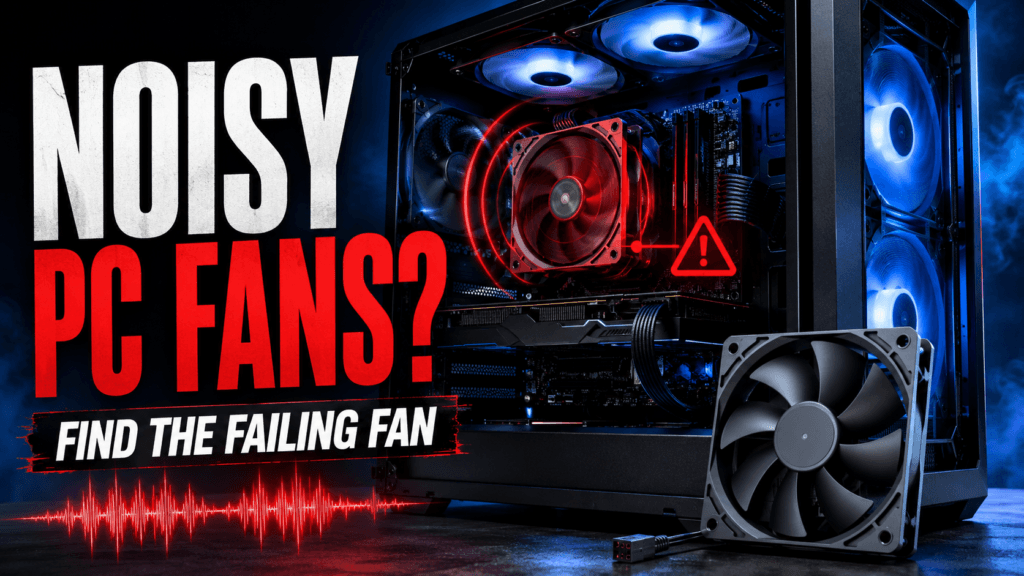
A grinding, rattling, or clicking noise from your PC—noisy PC fans—is almost always a mechanical problem. Unlike most PC noise complaints, this isn’t something a setting or driver update fixes. The real question is which fan is failing and whether it’s worth cleaning or needs outright replacing. Here’s how to tell the difference.
⚡ Quick Answer
- Rattling that returns within days of cleaning: worn bearings — clean once to confirm, then replace if it comes back
- Noise only at startup that seems to disappear: often still early bearing wear — don’t assume it’s fine just because it settles
- Noise that scales with RPM under load: confirms a mechanical fan issue rather than a one-off rattle
- Never open a PSU to fix a noisy fan yourself: capacitors inside can hold a dangerous charge even unplugged — replace the whole unit instead
🔍 Step 1: Figure Out Which Fan Is Actually the Problem
A PC has several fans — CPU cooler, case intake/exhaust, GPU, and PSU. Identifying the source is crucial, especially for noisy PC fans. With the case open and the PC running, briefly touch each fan’s housing (not the blades) one at a time. Or use a folded piece of cardboard to stop one fan briefly while listening for the noise to disappear. Whichever fan’s momentary stop makes the noise go away is your culprit.
Don’t skip this step even if you have a guess — noise inside a case can be misleading, and buying a replacement for the wrong fan wastes money without fixing anything.
📊 Diagnostic Table: Clean It or Replace It?
| Symptom | Likely Cause | Fix |
| Rattling that stops after a clean and stays gone | Dust buildup | Free — compressed air, done |
| Rattling returns within days of cleaning | Worn bearing | Replace the fan |
| Noise only at startup, seems to settle | Early bearing wear (can trick you) | Monitor closely; often still needs replacing soon |
| Grinding that gets louder under load | Bearing wearing further under heat/RPM | Replace the fan |
| Visible wobble when spinning | Confirmed mechanical failure | Replace immediately — don’t wait for full failure |
| Noise specifically from the PSU | Worn PSU fan or failing capacitor | Replace the entire PSU — never open it yourself |
🦋 Fixing It: CPU Cooler Fan
If your CPU cooler’s fan is the culprit, this is usually the easiest fan to address since coolers are designed for straightforward access. A worn cooler fan is also a good opportunity to check whether your thermal paste needs replacing at the same time — paste applied more than 3–5 years ago has often dried out and lost effectiveness, which can itself increase fan noise since a hotter CPU makes any fan work (and sound) harder.
If you’re replacing the whole cooler rather than just the fan, the 🛒 Noctua NH-U12S is a reliable, quiet upgrade that solves both a failing fan and an aging cooler in one purchase.
🌀 Fixing It: Case Fans
Case fans are usually the cheapest and simplest to replace. Noisy PC fans need standard mounting and connectors, with no guesswork beyond matching size (120mm or 140mm) of the fan. Use the size (120mm or 140mm) you remove.
The 🛒 Noctua NF-A14 PWM is a dependable 140mm replacement with a long track record for both quiet operation and mechanical longevity — a reasonable insurance policy against having this same problem again in a couple of years.
⚠️ Fixing It: GPU Fan
This is the one category where we’d recommend caution over a straightforward DIY replacement. GPU fans are card-specific — there’s no universal replacement the way there is for case fans — and disassembling a graphics card risks damaging the thermal pads, VRM cooling, or the card’s warranty if it’s still active. If your GPU is still under warranty, contact the manufacturer before doing anything yourself. If it’s out of warranty and you’re comfortable with detailed teardown work, search specifically for a replacement fan matching your exact card model rather than a generic part — mismatched fans are a common source of fitment problems.
🚨 Fixing It: PSU Fan (Don’t DIY This One)
If the noise is coming from your power supply, resist the urge to open it up yourself. PSU capacitors can retain a dangerous electrical charge even after the unit has been unplugged for a while, and this is one of the few PC components where a DIY repair genuinely carries real physical risk. The correct fix for a noisy or failing PSU fan is replacing the entire power supply, not attempting to service the fan inside it.
The 🛒 be quiet! Pure Power 12 650W is a solid, quiet replacement with 80 Plus Gold efficiency and a temperature-controlled fan — worth the upgrade over just replacing with an equivalent budget unit, since a quality PSU fan is less likely to put you back in this same situation.
🛡️ Preventing This Next Time
- Clean dust out of all fans every 3–6 months — dust buildup accelerates bearing wear by forcing fans to work harder than necessary
- Replace CPU cooler thermal paste every 3–5 years — dried paste raises temperatures and shortens fan lifespan by keeping it under constant load
- Consider proactively replacing fans after 4–5 years of heavy use even before they start failing, especially in a PC that runs many hours a day
❓ Frequently Asked Questions
Can I lubricate a noisy fan instead of replacing it?
Sometimes, if you catch it early and the fan uses a sleeve bearing rather than a ball bearing — a drop of light machine oil can genuinely extend its life. Once wear has progressed far enough that the shaft and sleeve no longer mate evenly, though, lubrication stops helping and replacement is the only real fix.
Is a rattling noise ever coming from something other than a fan?
Yes — a failing mechanical hard drive can produce a similar grinding or clicking sound. Unlike a fan, a dying hard drive is a data-loss emergency: back up your files immediately if you suspect an HDD rather than a fan, since SSDs have no moving parts and can’t make this noise at all.
How long do PC fans typically last?
Quality fans commonly run 4–8+ years under normal use before bearing wear becomes noticeable, though heavy continuous use (24/7 systems, mining rigs, servers) shortens that considerably. Cheaper stock fans that ship with budget cases or coolers often wear out sooner than aftermarket replacements.
Will a noisy fan actually damage my PC if I don’t fix it right away?
Not immediately, but a failing fan cools less effectively as it degrades, and a fan that fails completely can lead to overheating and thermal throttling or shutdowns. It’s worth addressing within a reasonable timeframe rather than ignoring it indefinitely once you’ve confirmed it’s a genuine bearing issue.
🔗 Related Reading
⚔️ Final Verdict
Isolate the specific fan first, clean it once, and give it a few days to see if the noise returns before spending anything. If it comes back — or if you see visible wobble or hear grinding that worsens under load — replacing that specific fan (or the whole PSU, if that’s the source) is the honest fix. Skip DIY repair on GPU and PSU fans specifically; those are the two places where cutting corners risks more than it saves.
As an Amazon Associate, PC Wizard Hub earns from qualifying purchases made through the links above.